How-to Use Tools Guides
Select your platform to watch specific tutorials.

Text to Video AI Tool is LIVE 🚀 | VEO 3.1 High Quality | Bulk & Long Videos | Free Trial
Create high-quality AI videos from text using VEO 3.1 Text to Video. Supports bulk processing, long videos, and smart prompt reasoning. 👉 Try it FREE at autoflowlearn.xyz
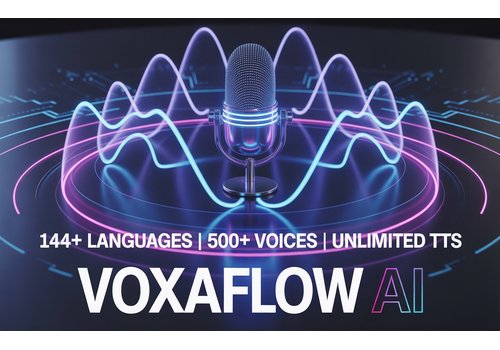
VoxaFlow AI – Text to Speech Generator | 144+ Languages | 500+ Voices | Unlimited Voiceovers
VoxaFlow AI is a powerful Text-to-Speech generator offering 144+ languages and 500+ natural voices, allowing unlimited, studio-quality voiceovers for YouTube, podcasts, audiobooks, and professional content creation.
How to Use UltraGen Studio | AI Video & Image Generation Suite Tutorial
Learn how to use UltraGen Studio to generate high-quality AI videos, images, and image transitions using fast, seamless, and fully automated text-to-creation technology.
How to Use MMAudioSFX AI | Automatic Video-to-Video Sound Effects Generator Tutorial
Learn how to use MMAudioSFX AI to automatically generate realistic and perfectly synced sound effects for any video using advanced AI.
How to Use QuantumVoice AI | Next-Gen Intelligent Voice Generator Tutorial
Learn how to use QuantumVoice AI to transform text into ultra-realistic, lifelike voices using next-generation quantum-level AI technology.